
Mechanical engineering software has transformed the way products are designed, tested, and manufactured. Instead of relying on physical prototypes and manual calculations, engineers can now create digital models, run simulations, optimize designs, and generate CNC programs within a single workflow.
Whether you’re a mechanical design engineer, manufacturing specialist, product developer, or engineering student, selecting the right software can significantly improve productivity and reduce development costs.
This guide explores the most widely used mechanical engineering software solutions in 2026, their key capabilities, ideal use cases, and the industries that rely on them.
What Is Mechanical Engineering Software?
Mechanical engineering software refers to digital tools used to design, analyze, simulate, manufacture, and manage mechanical products throughout their lifecycle.
These solutions generally fall into four categories:
- CAD (Computer-Aided Design): Create 2D drawings and 3D models.
- CAE (Computer-Aided Engineering): Perform simulations and engineering analysis.
- CAM (Computer-Aided Manufacturing): Generate toolpaths and CNC programs.
- PLM (Product Lifecycle Management): Manage product data and collaboration.
Modern engineering platforms increasingly integrate these functions into a unified environment to reduce errors and improve collaboration across teams.
How to Choose Mechanical Engineering Software
Before investing in any software platform, evaluate your requirements based on the following factors:
- Design complexity
- Industry-specific workflows
- Simulation requirements
- Manufacturing processes
- Team collaboration needs
- File compatibility
- Learning curve
- Budget and licensing model
For example, a startup developing consumer products may prioritize affordability and cloud collaboration, while aerospace manufacturers often require advanced simulation and large assembly management capabilities.
1. Autodesk Moldflow
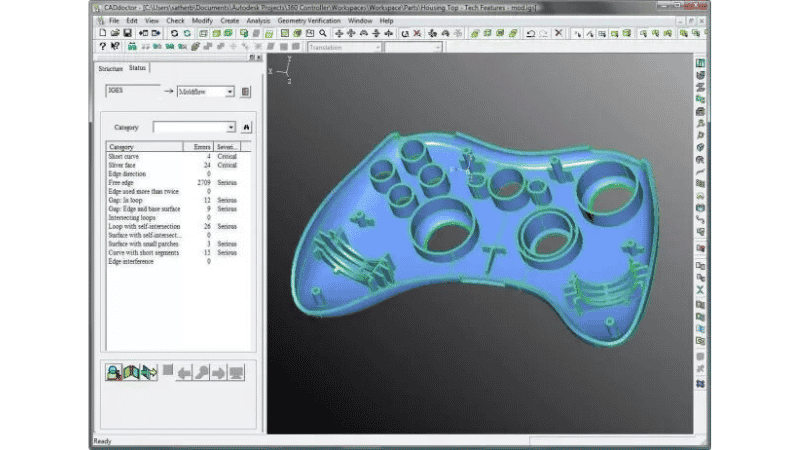
Best for: Injection molding simulation and manufacturability analysis
Autodesk Moldflow helps engineers evaluate plastic part designs before tooling and production begin.
Key capabilities include:
- Fill, pack, and cooling analysis
- Warp and shrinkage prediction
- Gate location optimization
- Mold design validation
Moldflow is widely used by injection molding engineers, mold designers, and product development teams seeking to reduce tooling costs and accelerate time to market.
2. AutoCAD
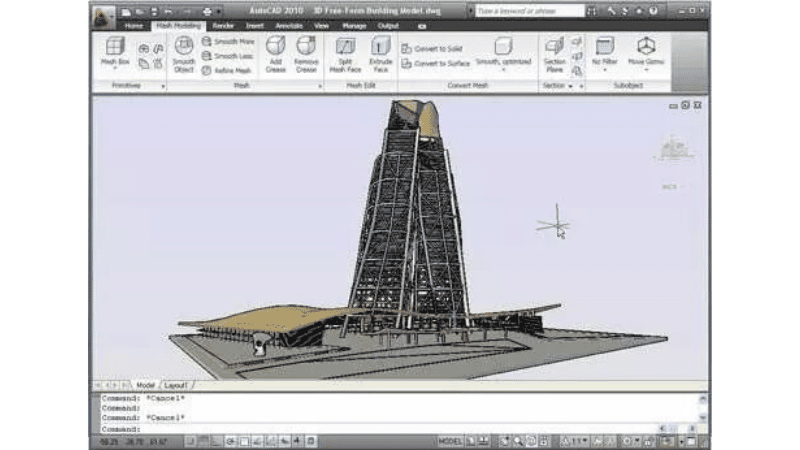
Best for: 2D drafting and technical documentation
AutoCAD remains one of the most recognized mechanical design software platforms worldwide.
Its strengths include:
- Precise 2D drafting
- Annotation and dimensioning
- Standardized technical drawings
- Broad file compatibility
Although advanced 3D design tools have become more common, AutoCAD continues to be essential for engineering documentation.
3. PTC Creo
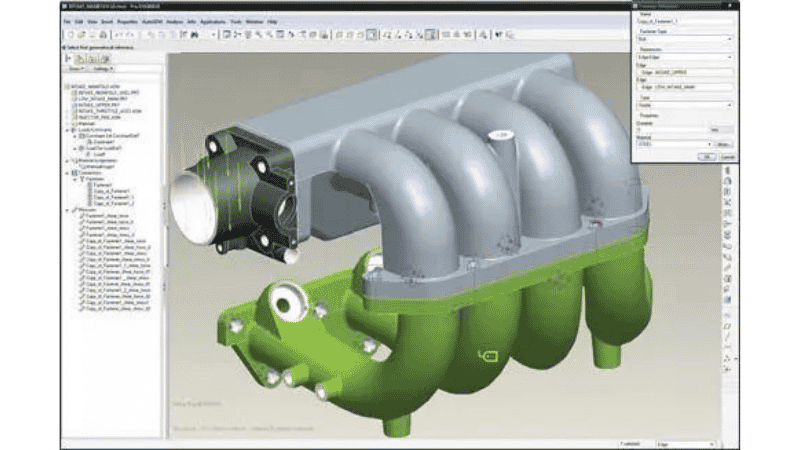
Best for: Parametric product design
Formerly known as Pro/ENGINEER, PTC Creo pioneered parametric modeling technology.
Key features include:
- Parametric 3D modeling
- Assembly design
- Simulation and analysis
- Generative design capabilities
Creo is widely adopted in industries that require complex engineering workflows, including aerospace, automotive, and industrial equipment.
4. SolidWorks
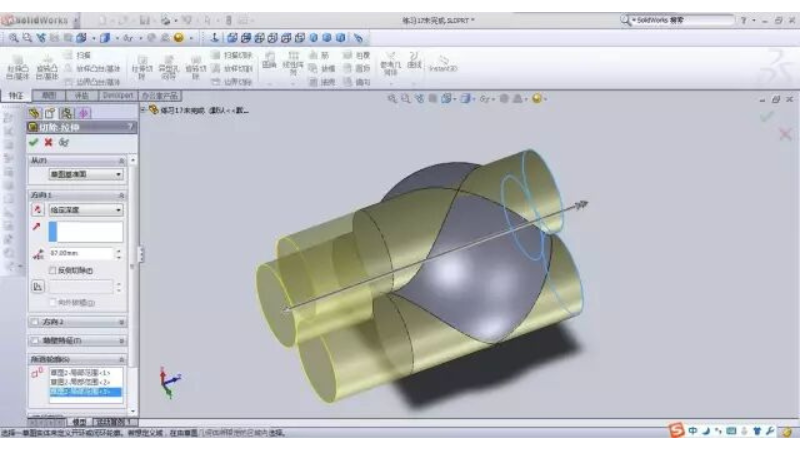
Best for: Product design and assembly modeling
SolidWorks is known for its intuitive user interface and strong ecosystem.
Popular features include:
- 3D part modeling
- Large assembly management
- Simulation tools
- Design automation
It is particularly popular among small and mid-sized manufacturers due to its ease of use and extensive training resources.
5. Siemens NX
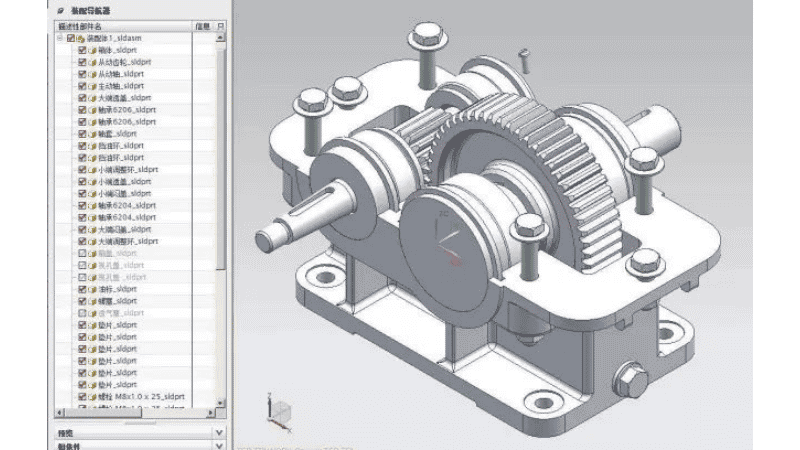
Best for: Integrated CAD, CAM, and CAE workflows
Siemens NX provides an end-to-end platform for product engineering.
Core capabilities include:
- Advanced surface modeling
- Digital twin development
- CNC programming
- Multiphysics simulation
NX is widely used in automotive, aerospace, and mold manufacturing industries.
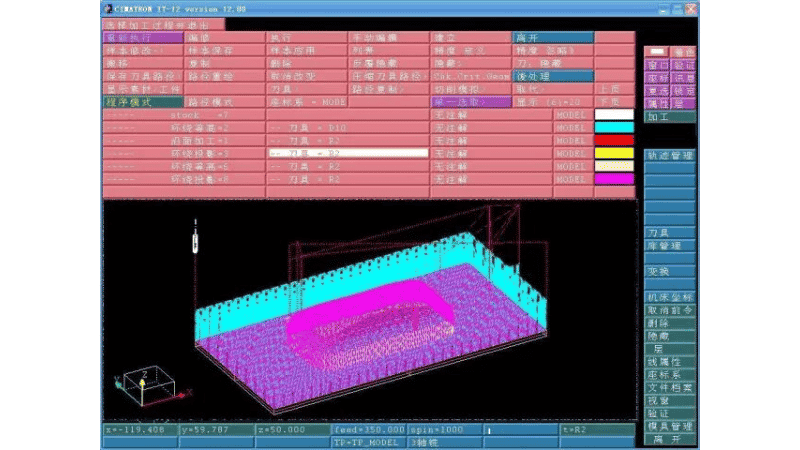
6. Cimatron
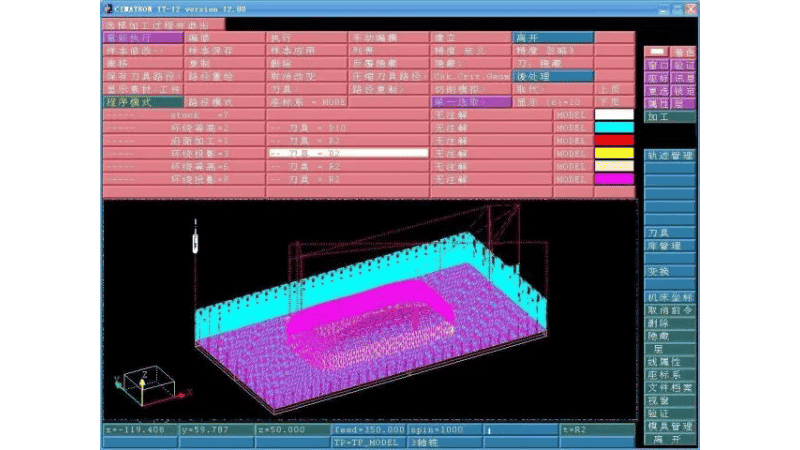
Best for: Mold, tool, and die manufacturing
Cimatron offers specialized CAD/CAM solutions for toolmakers and mold manufacturers.
Key applications include:
- Mold design
- Electrode creation
- NC programming
- Tooling automation
Its industry-specific workflows help reduce lead times and improve manufacturing efficiency.
7. Mastercam
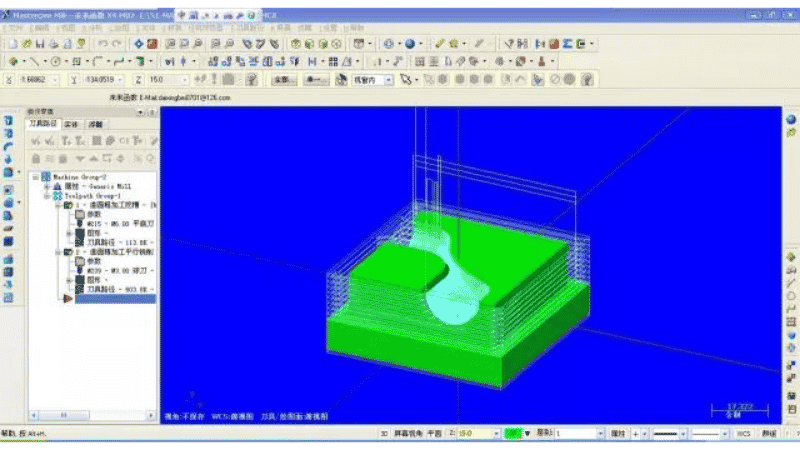
Best for: CNC programming
Mastercam is one of the world’s most widely used CAM software platforms.
Its strengths include:
- 2-axis to 5-axis machining
- Toolpath optimization
- Machine simulation
- Collision detection
Mastercam is particularly popular among job shops and small-to-medium manufacturers.
8. CATIA
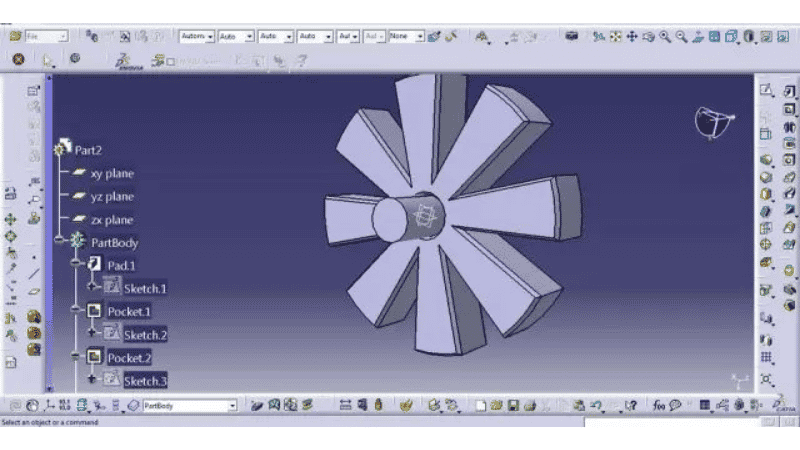
Best for: Complex product development
CATIA is widely used in aerospace and automotive engineering.
Key capabilities include:
- Advanced surface design
- Systems engineering
- Digital mock-up
- Product lifecycle integration
Its powerful modeling capabilities make it suitable for highly complex products.
9. Autodesk PowerMill
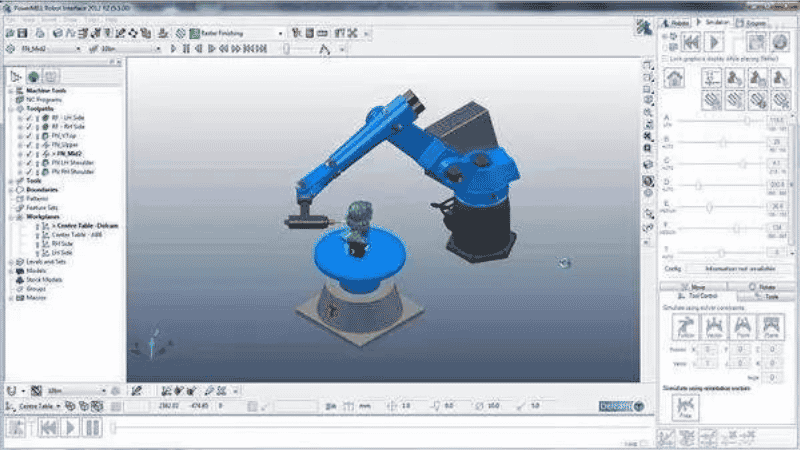
Best for: High-speed and complex CNC machining
PowerMill, originally developed by Delcam, specializes in advanced manufacturing applications.
Key features include:
- Multi-axis machining
- Toolpath optimization
- Complex geometry machining
- Process simulation
It is commonly used in mold making, aerospace, and precision manufacturing.
10. Edgecam
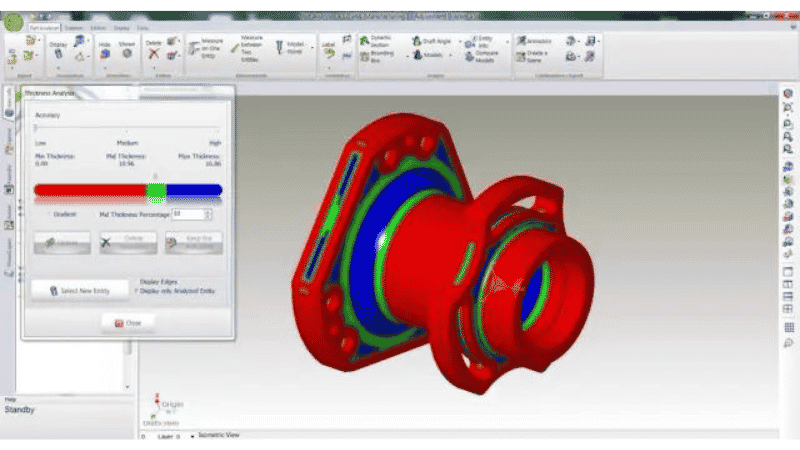
Best for: Automated CNC programming
Edgecam helps manufacturers generate efficient toolpaths directly from CAD models.
Its capabilities include:
- Feature-based machining
- Turning and milling operations
- Multi-axis machining
- Automated updates after design changes
Edgecam is especially valuable for manufacturers seeking to improve programming efficiency.
How to Choose the Right Mechanical Engineering Software
When evaluating mechanical software, consider the following factors:
- Application requirements
- Industry specialization
- Ease of use
- Integration with existing systems
- Training resources
- Licensing costs
- Scalability
For example, a product design engineer may prioritize CAD capabilities, while a manufacturing engineer may focus on CAM functionality.
CAD vs. CAE vs. CAM: What’s the Difference?
Understanding the distinction between these software categories can help you choose the right solution.
Many modern platforms now combine these capabilities to create a seamless digital engineering workflow.
Which Mechanical Engineering Software Should You Learn?
The answer depends on your career path.
- Product designers often start with SOLIDWORKS or Fusion.
- Automotive engineers commonly use CATIA or Siemens NX.
- Aerospace companies frequently rely on CATIA and Creo.
- CNC programmers typically use Mastercam or Edgecam.
- Injection molding specialists benefit from Moldflow expertise.
Engineers who understand the principles behind CAD, CAM, and CAE workflows can transition between software platforms more easily because most systems share similar modeling concepts.
FAQs
What software do mechanical engineers use the most?
Mechanical engineers commonly use CAD, CAE, and CAM software throughout the product development process. Some of the most widely used tools include SOLIDWORKS, PTC Creo, Siemens NX, CATIA, AutoCAD, and Mastercam, with the choice depending on the engineer’s role, industry, and project requirements.
Which CAD does NASA use?
NASA uses multiple CAD platforms rather than a single software solution. Common tools include Siemens NX, CATIA, PTC Creo, and AutoCAD, which support complex aerospace design, simulation, and collaboration with contractors and manufacturing partners.
Which software should I learn for mechanical engineering?
The best software to learn depends on your career goals. SOLIDWORKS and Autodesk Fusion are excellent starting points for students and entry-level engineers, while CATIA, Siemens NX, and PTC Creo are widely used in aerospace, automotive, and large-scale manufacturing industries.
Which CAD software is best for mechanical engineering?
There is no one-size-fits-all answer because the best CAD software depends on your application and industry. SOLIDWORKS is popular for general product design, CATIA is preferred in aerospace and automotive sectors, Siemens NX excels in integrated engineering workflows, and AutoCAD remains a standard for 2D drafting and documentation.
Conclusion
There is no universal mechanical engineering software solution for every organization.
The best choice depends on your industry, product complexity, manufacturing requirements, and team expertise.
If your primary focus is product design, consider SOLIDWORKS or Creo. For enterprise-level development, Siemens NX and CATIA offer comprehensive capabilities. Manufacturers focused on CNC machining may benefit more from Mastercam, PowerMill, or Edgecam.
As engineering workflows continue to evolve, software platforms that integrate design, simulation, and manufacturing will play an increasingly important role in improving efficiency and accelerating innovation.
Ready to bring your design to life?
At Honjenny, we specialize in precision manufacturing solutions tailored to your project requirements. Send us your drawings or specifications today, and our team will provide a customized quote.